Router & WiFi Blog
Welcome to the 192.168.l.1 Login Admin blog — free, easy guides that help you log in to your router, change your WiFi password, recover a forgotten router password and keep your home network safe. Every article on this blog is written in plain language, with step-by-step instructions for both phones and computers.
Latest Articles From the Blog
-
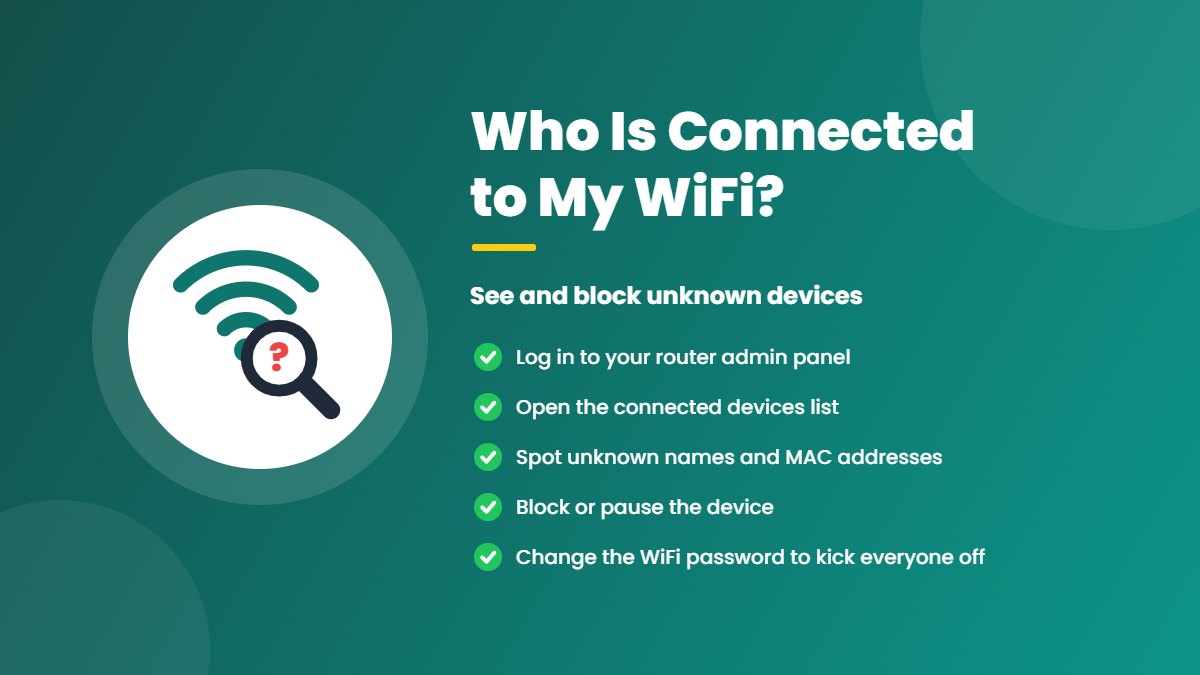
Who Is Connected to My WiFi? How to See and Block Unknown Devices
See who is connected to your WiFi from your router admin panel, router app or phone, work out which devices are yours by name and…
-
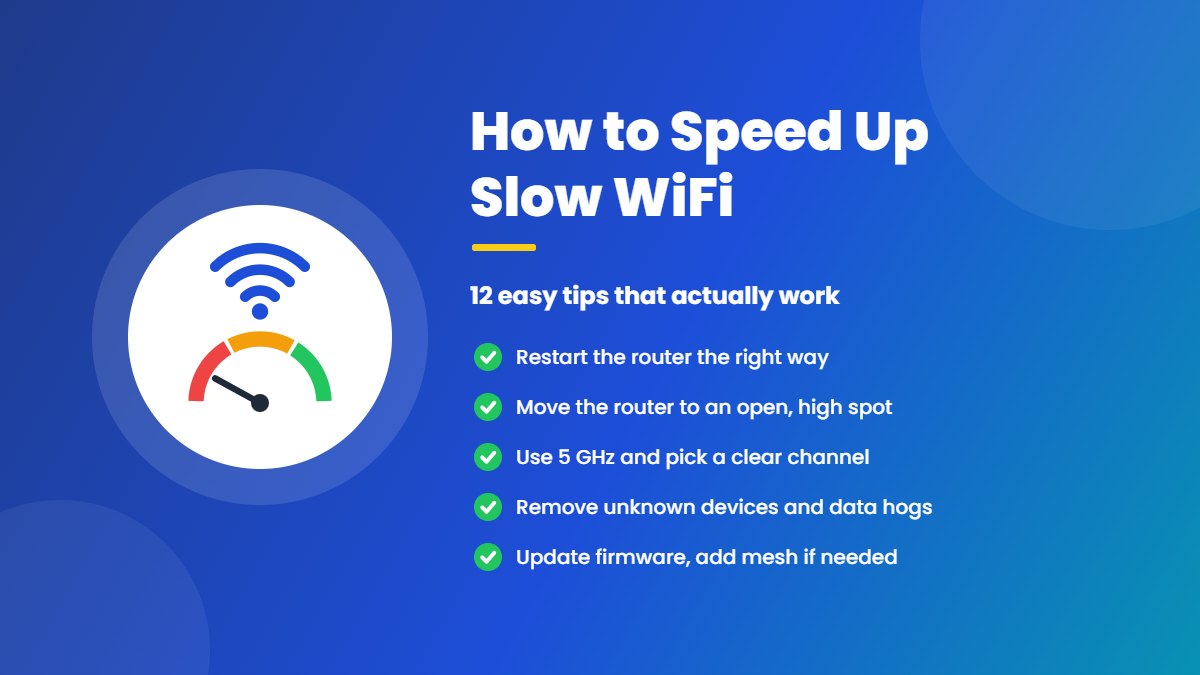
How to Speed Up Slow WiFi: 12 Easy Tips That Actually Work
Slow WiFi? Find the cause with one quick speed test, then speed up your WiFi with 12 easy tips: restart and move your router, switch…
-
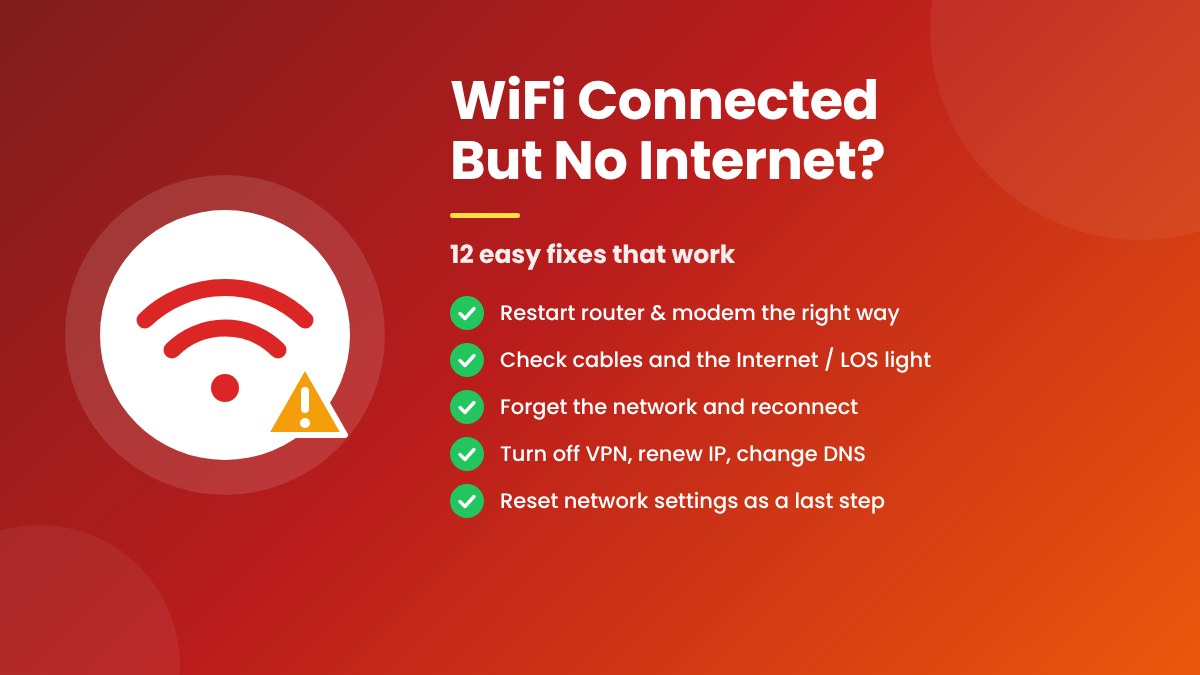
WiFi Connected But No Internet? 12 Easy Fixes That Work
WiFi connected but no internet? Find where the problem is with one quick test, then try 12 easy fixes: restart your router the right way,…
-
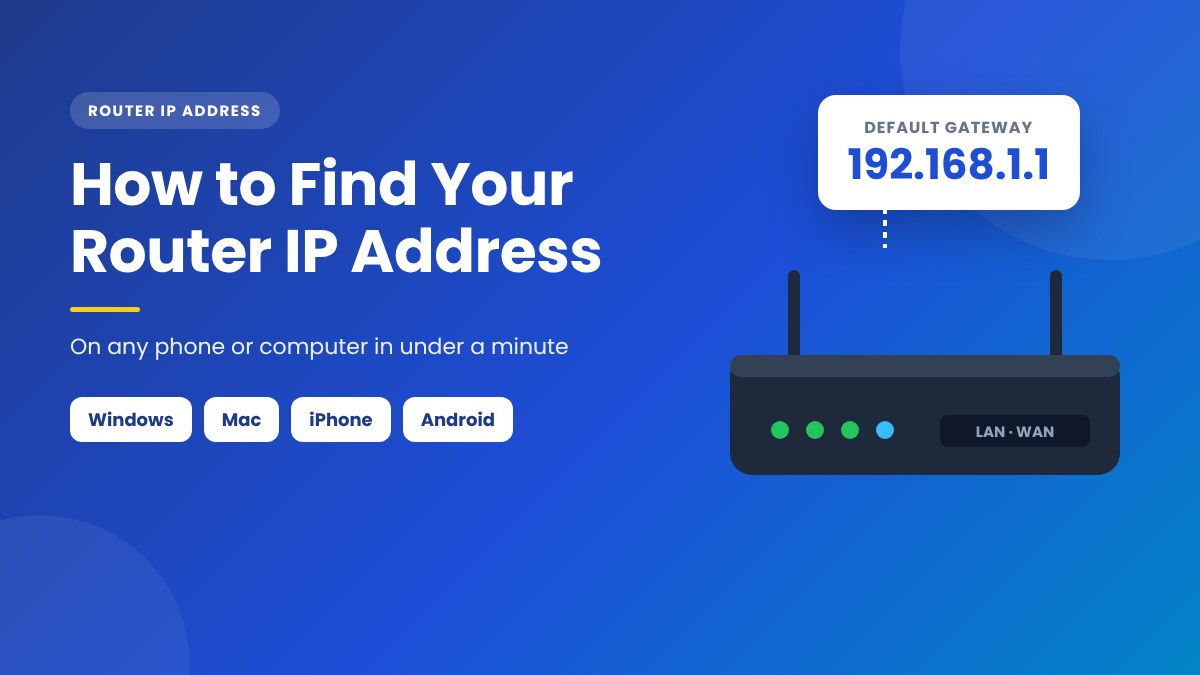
How to Find Your Router IP Address on Any Device: Easy Guide
Find your router IP address (default gateway) in under a minute on Windows, Mac, iPhone, Android, Linux and Chromebook, plus default router IPs by brand…
-
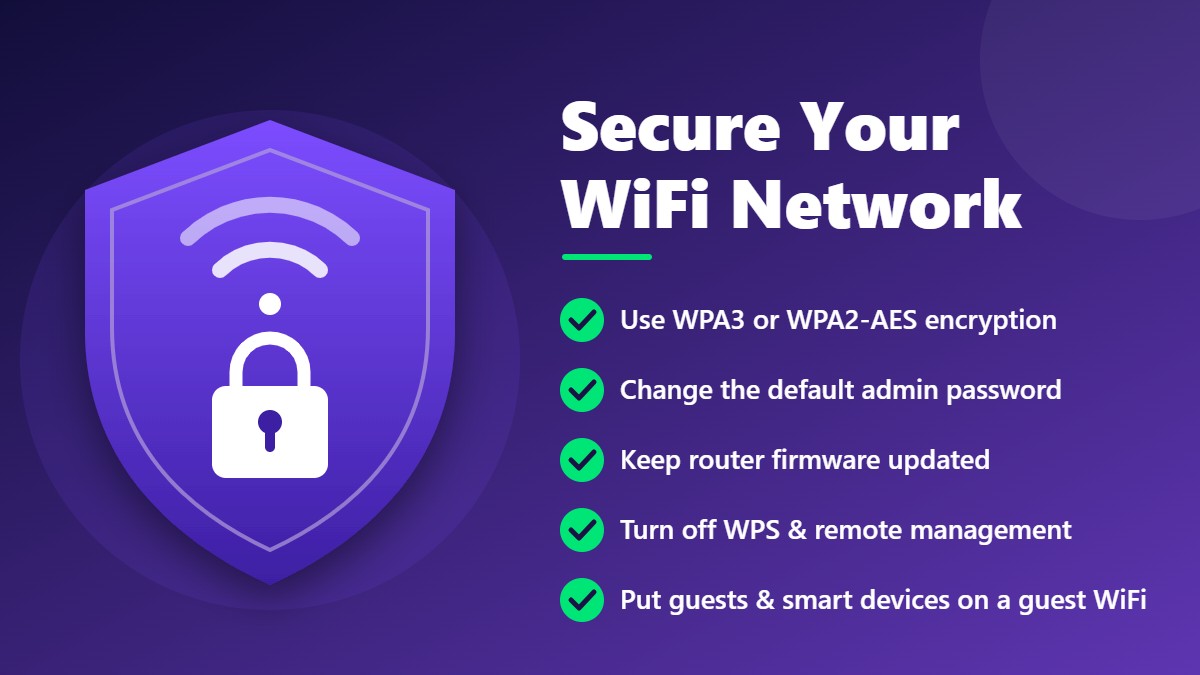
How to Secure Your WiFi Network: 12 Essential Tips for Your Home Router
Protect your home WiFi from intruders with 12 essential router security tips: change default passwords, use WPA3 or WPA2-AES, update firmware, disable WPS and remote…
-
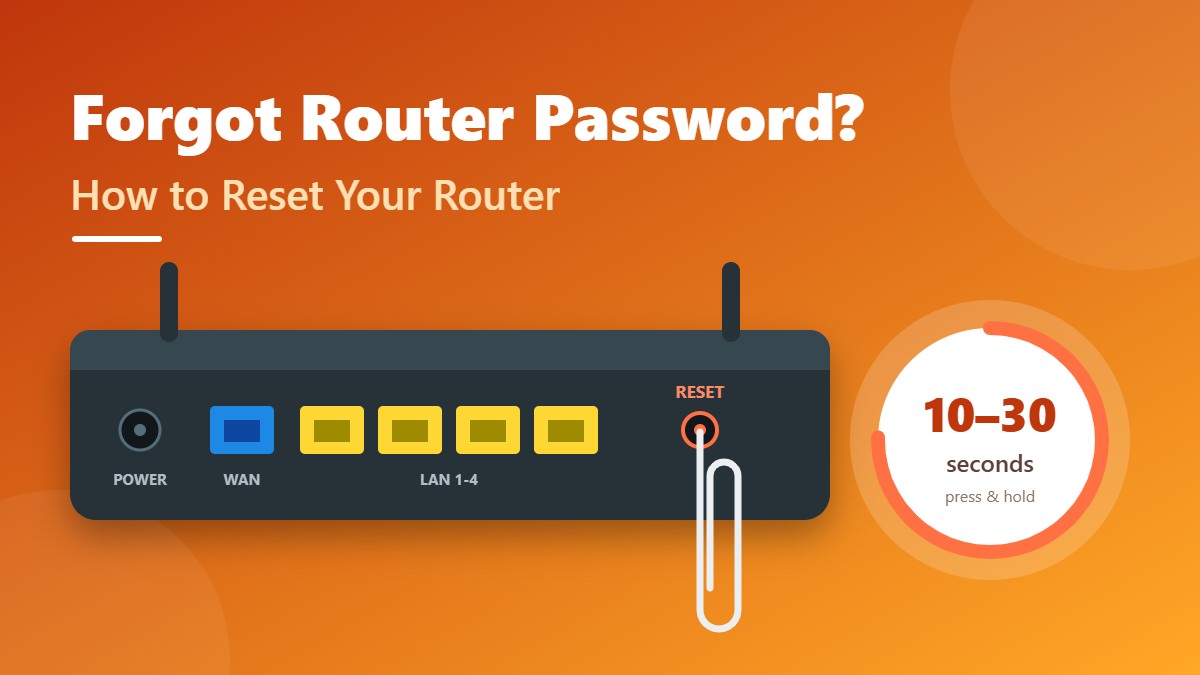
Forgot Router Password? Easy Ways to Recover or Reset It
Forgot your router admin or WiFi password? Learn how to recover it from a connected device, and how to factory reset your router safely and…
-
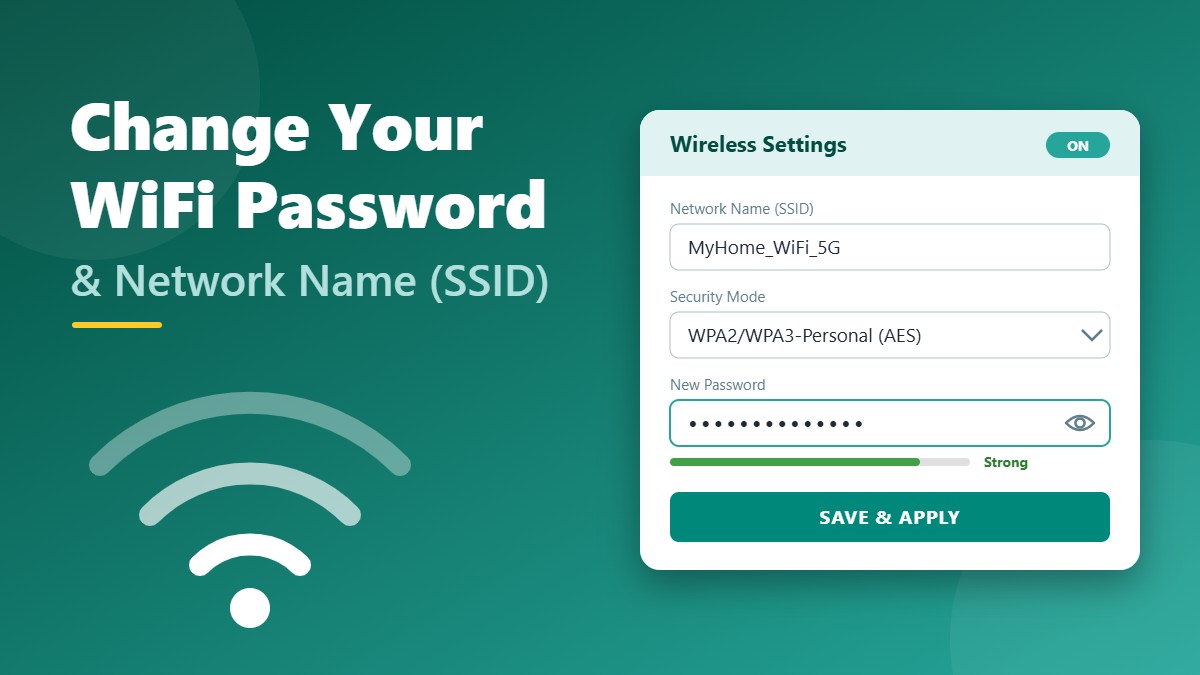
How to Change Your WiFi Password and Network Name: Easy Guide
Step-by-step guide to change your WiFi password and network name (SSID) from your router admin panel or app, plus tips for strong passwords, WPA3 security…
-
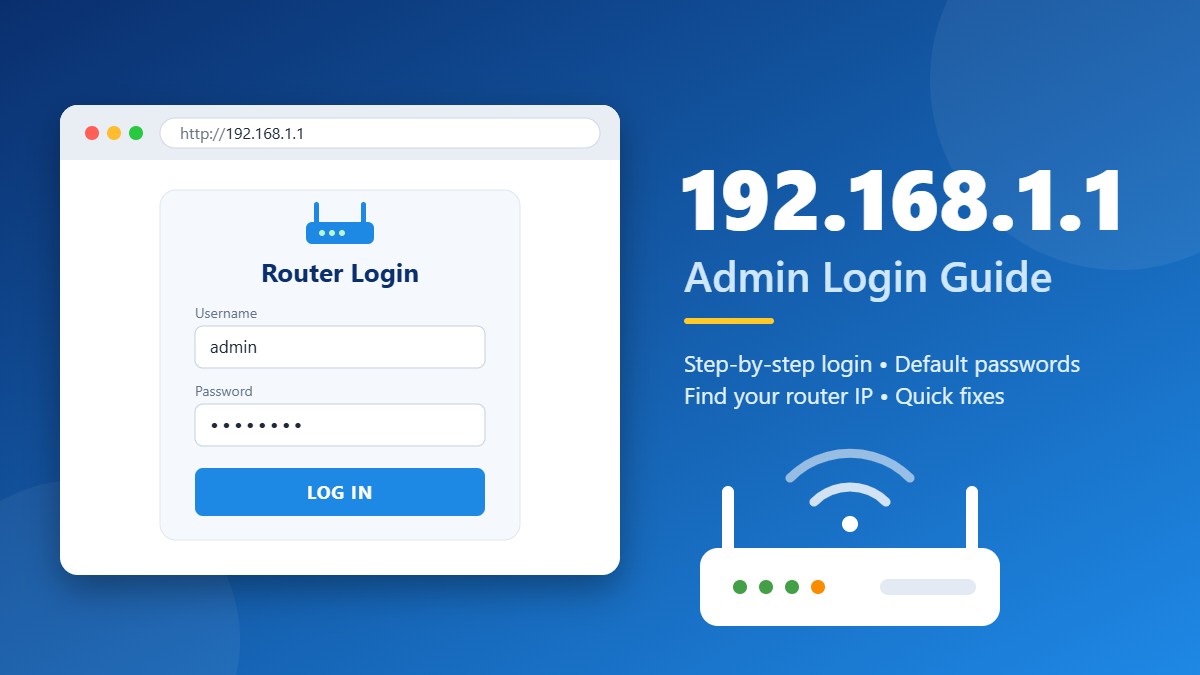
192.168.1.1 Admin Login: Easy Step-by-Step Guide to Access Your Router
Learn how to log in to 192.168.1.1 and access your router admin panel. Step-by-step instructions, default usernames and passwords, how to find your router IP,…
Featured Router Guides

192.168.1.1 Admin Login: Easy Step-by-Step Guide
How to open your router admin panel, which default username and password to try, and what to do when the login page will not load.

How to Change Your WiFi Password and Network Name
Change your WiFi name and password on any router, pick the right security mode, and reconnect your devices without trouble.

Forgot Router Password? Easy Ways to Recover or Reset It
Recover a lost WiFi or admin password from a connected device, or reset your router safely and set it up again.

How to Secure Your WiFi Network: 12 Essential Tips
Twelve practical steps to protect your home WiFi, from strong encryption and firmware updates to guest networks for smart devices.
What You Will Find on This Blog
- Router login — step-by-step help for opening the admin panel on popular routers and ISP devices.
- WiFi passwords — how to change, find and share your WiFi password safely.
- Troubleshooting — fixes for login errors, forgotten passwords and resets.
- WiFi security — simple ways to protect your network and smart-home devices. If you are new to wireless networking, the Wi-Fi overview on Wikipedia is a good introduction.
New articles are added to the list at the top of this page as soon as they are published, so bookmark the blog and check back whenever you need help with your router or WiFi.
Popular Router Login Pages
Looking for a specific login address instead of a blog article? These pages cover the most common ones:
- 192.168.1.1 and 192.168.l.1 login
- 192.168.0.1 login for D-Link, Tenda and TP-Link
- 192.168.29.1 for JioFiber
- 192.168.100.1 for fiber and cable modems
- 192.168.2.1 for Digisol, Edimax and Belkin
- 10.0.0.1 for Xfinity gateways
- Default router password list
New to Router Settings? Start Here
If you have never opened your router’s admin page before, read these guides in order. Together they cover everything most people need:
- Log in to your router and find the right address for your device.
- Change the WiFi name and password from the factory defaults.
- Secure your network with strong encryption, firmware updates and a guest network.
- Keep the reset guide bookmarked in case you ever get locked out.
Each step takes only a few minutes, and you do not need any special tools — just a phone or computer connected to your router. Once you are comfortable with the basics, the rest of the articles explain specific brands, internet providers and fixes for common problems.
How We Write Our Blog Guides
Each blog post is based on manufacturer manuals, support pages and internet provider documentation. We explain technical terms in plain words, show the steps for phones and computers, and point out where menus differ between models. When a router maker changes its software or a reader reports a mistake, we update the article. You can read more on our about page.
Blog FAQ
Are the articles on this blog free?
Yes. Every guide is free to read, and you do not need an account.
Can I suggest a topic for the blog?
Of course. Tell us which router, modem or provider you would like us to cover through the contact page.
Do the guides work outside India and Pakistan?
Yes. Most router menus are the same worldwide, so the steps apply wherever you live. We also cover providers in other countries, such as Xfinity in the United States, and we plan to add more brands over time.
Will you ever ask for my router password?
Never. We cannot access your router, and you should never share your router or WiFi password with anyone who contacts you claiming to offer support.