About this site
About 192.168.l.1 Login Admin
192.168.l.1 Login Admin is an independent website that helps people open their router settings, find default passwords and fix login problems. Every guide is free to read.
Why This Site Exists
Every day, thousands of people type 192.168.l.1, 192.l68.1.1 or 192.168.o.1 when they try to reach their router. Those addresses contain letters, so the browser shows search results instead of the router page. This site explains the correct address, the login details and the next steps in plain language.
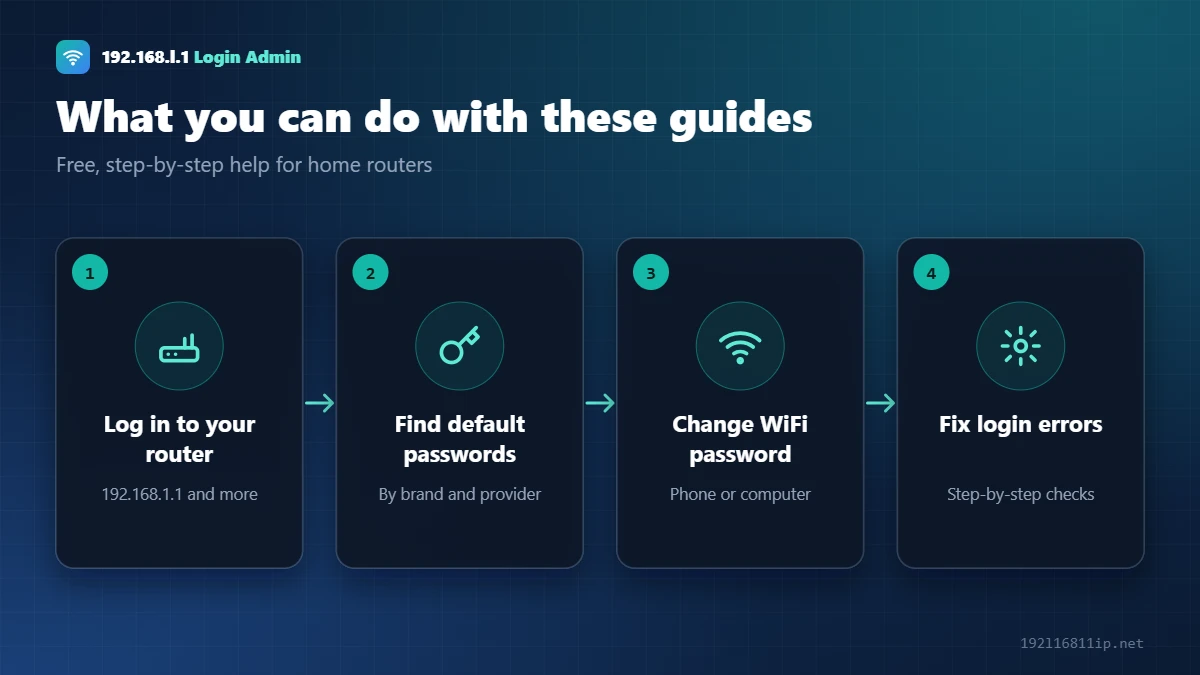
What You Will Find Here
How Our Guides Are Written
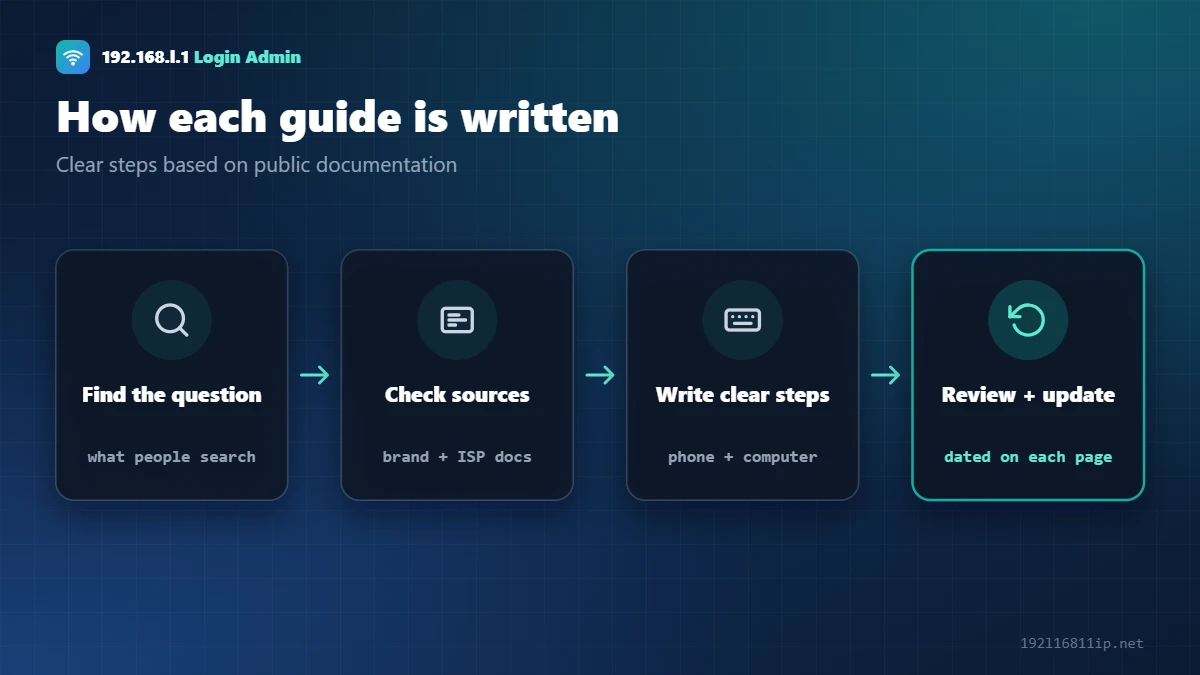
- We start from the questions people actually search for, such as “192.168.l.1 not opening”.
- We check router makers’ and internet providers’ public help pages and manuals for addresses, default logins and menu names.
- We write steps for both phones and computers, and we point out where menus differ between models.
- Each guide shows the month it was last checked. We correct mistakes as soon as readers report them.
We do not test every router model in person. Menus can change after firmware updates, so the label on your router and your provider’s support are always the final word.
Independence
This site is not affiliated with any router brand or internet provider, including TP-Link, Tenda, D-Link, Netgear, Airtel, Jio or Xfinity. Brand names are used only to describe the products a guide covers. Read our disclaimer and privacy policy for details.
About Our Mission
Our goal is simple: anyone should be able to open their router settings, change their WiFi password and fix a login problem without calling a technician. Routers are in almost every home, yet the instructions that come with them are often short, technical or written for one model only. We try to fill that gap with clear, step-by-step guides that work on a phone or a computer.
We care about two things above all: that the steps are correct, and that they are easy to follow for someone who has never opened an admin page before. If a guide is not clear enough, we want to hear about it.
Our Editorial Standards
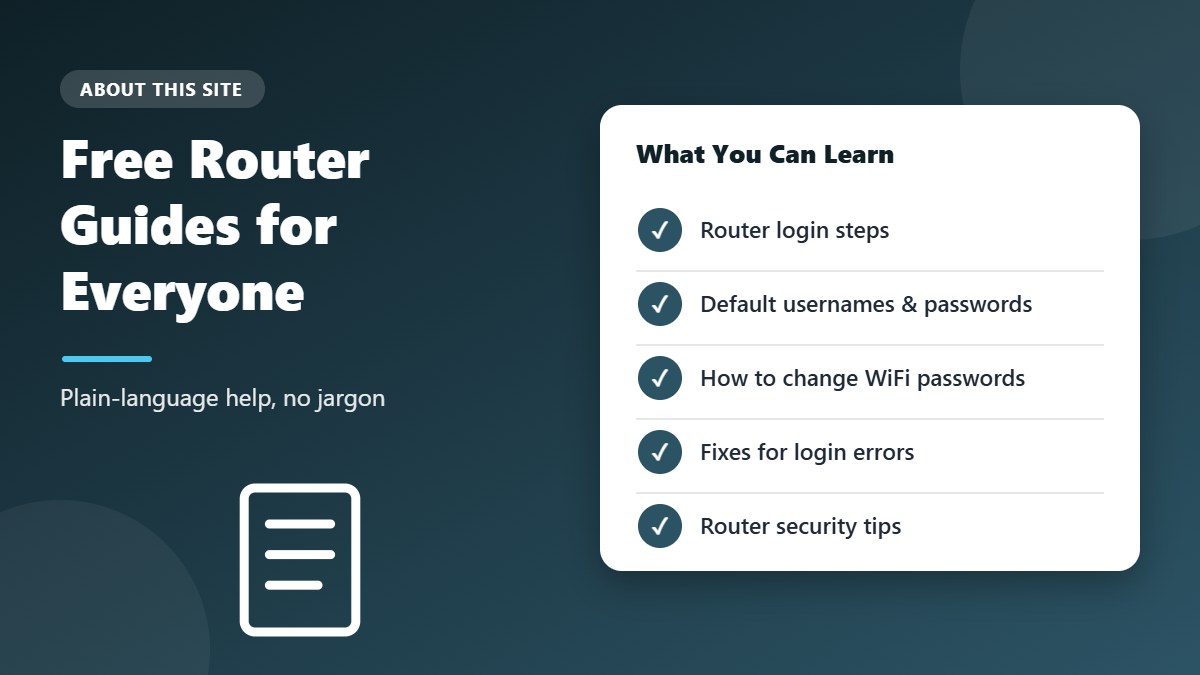
- Official sources first. Login addresses, default usernames and menu names come from manufacturer manuals, support pages and internet provider documentation.
- Plain language. We explain technical terms such as default gateway, WPA2 or private IP address the first time they appear.
- Clear dates. Every guide shows the month it was last checked.
- Honest limits. When steps differ between models, we say so instead of guessing.
- Fast corrections. When readers report an error, we check it and update the page.
What We Will Never Do
Unfortunately, fake “router support” websites and phone numbers are common. To be completely clear about how we work:
- We will never ask for your router password, WiFi password or account details.
- We will never ask you to install remote-access software or let us control your computer.
- We do not run a paid support line and never charge for our guides.
- We cannot see, access or change your router — only you can.
If someone contacts you claiming to be from this site and asks for any of the above, it is not us.
How to Get the Most From Our Guides
- Find your router’s address first — it is printed on the label and shown as the default gateway on your device.
- Open the guide for that address or brand, and follow the steps for your device type.
- Check the label before trying default passwords from our lists.
- If something does not match, read the troubleshooting and FAQ sections at the end of each guide.
- Still stuck? Contact your internet provider or the router maker — they can see details we cannot.
Frequently Asked Questions About This Site
Is this site run by a router company or internet provider?
No. We are an independent site and are not affiliated with TP-Link, Tenda, D-Link, Netgear, Airtel, Jio, Xfinity or any other brand mentioned in our guides.
Are the guides free?
Yes. Every guide on this site is free to read, and you do not need to create an account.
Can you log in to my router or fix my internet for me?
No. We cannot access your home network. Our guides explain how you can do it yourself, and when it is better to contact your provider.
Why is the site called 192.168.l.1?
Because it is one of the most common typos people make when trying to reach the real address, 192.168.1.1. Our home page explains the difference and shows how to log in correctly.
How can I suggest a new guide?
Use the contact page to tell us which router, modem or provider you would like us to cover. Reader requests help us decide what to write about next.
How often are the guides updated?
We review guides when router makers or internet providers change their login pages, and whenever readers tell us about a difference. The “last checked” date at the top of each guide tells you how recent it is.
Do you write about routers outside India and Pakistan?
Yes. Most of our guides apply to routers worldwide, and we also cover providers such as Xfinity in the United States. If you have a question about a router we have not covered yet, let us know and we will look into it. You can read more about the guides we already have in the list near the top of this page.
Get in Touch
Found an error or a menu that has changed? Tell us through the contact page and we will update the guide.