Last updated: October 17, 2026
Disclaimer
192.168.l.1 Login Admin is an independent information website. It is not a router login page, and it is not affiliated with any router maker or internet provider.
Independent Website
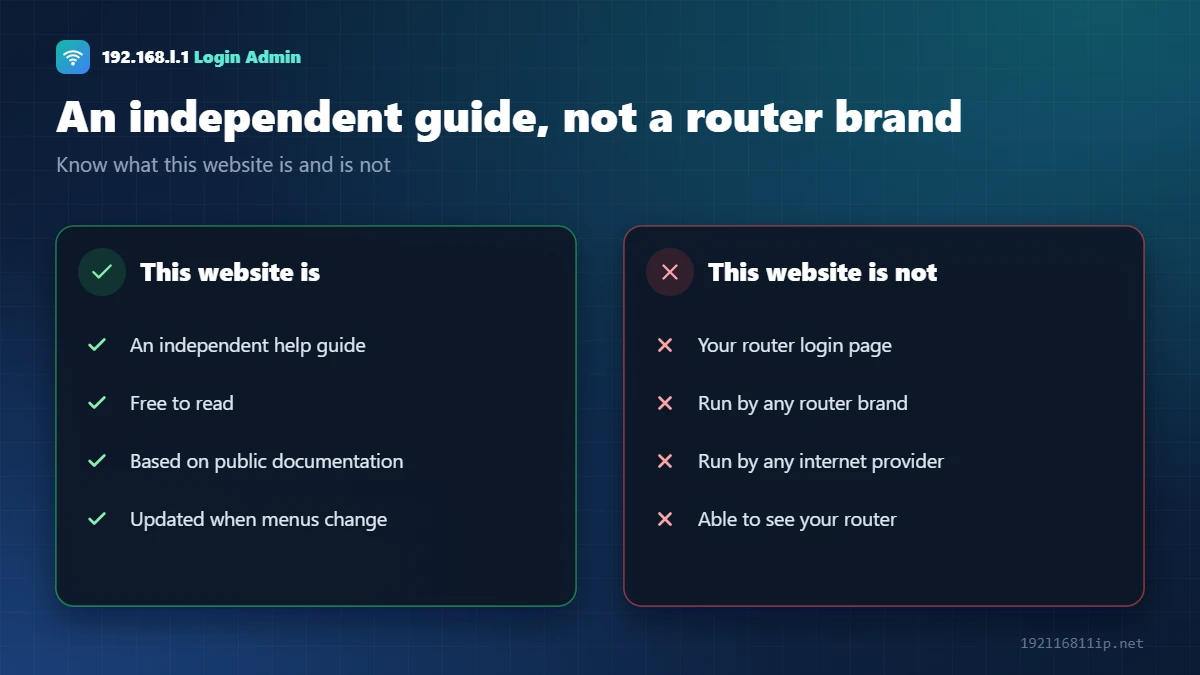
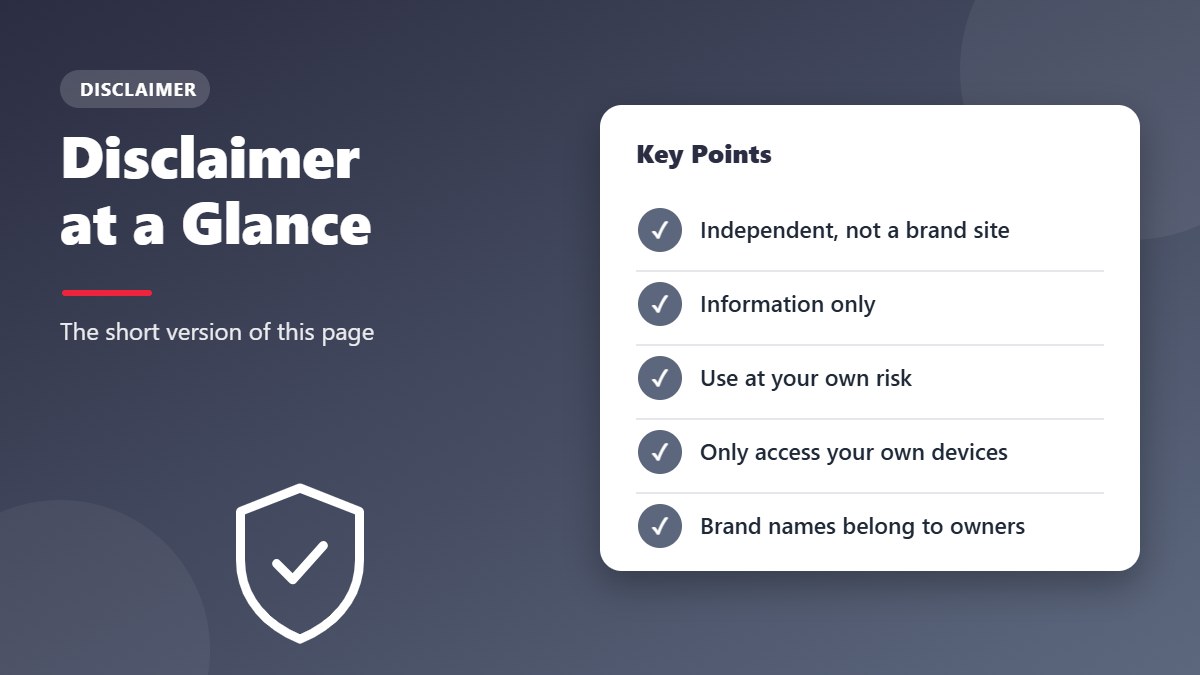
We are not affiliated with, endorsed by or sponsored by TP-Link, Tenda, D-Link, Netgear, Asus, Linksys, Huawei, ZTE, Digisol, Belkin, Edimax, Bharti Airtel, Reliance Jio, Comcast Xfinity or any other company named on this site. Product and company names are trademarks of their owners and are used only to identify the products a guide covers.
Links such as “Open 192.168.1.1” simply point your browser to an address on your own network. This website never sees, stores or controls your router.
Information Only
Our guides are for general information. Default logins, IP addresses and menu names can differ between models, firmware versions and providers. Always check the label on your device and your provider’s official support before you make changes.
Use at Your Own Risk
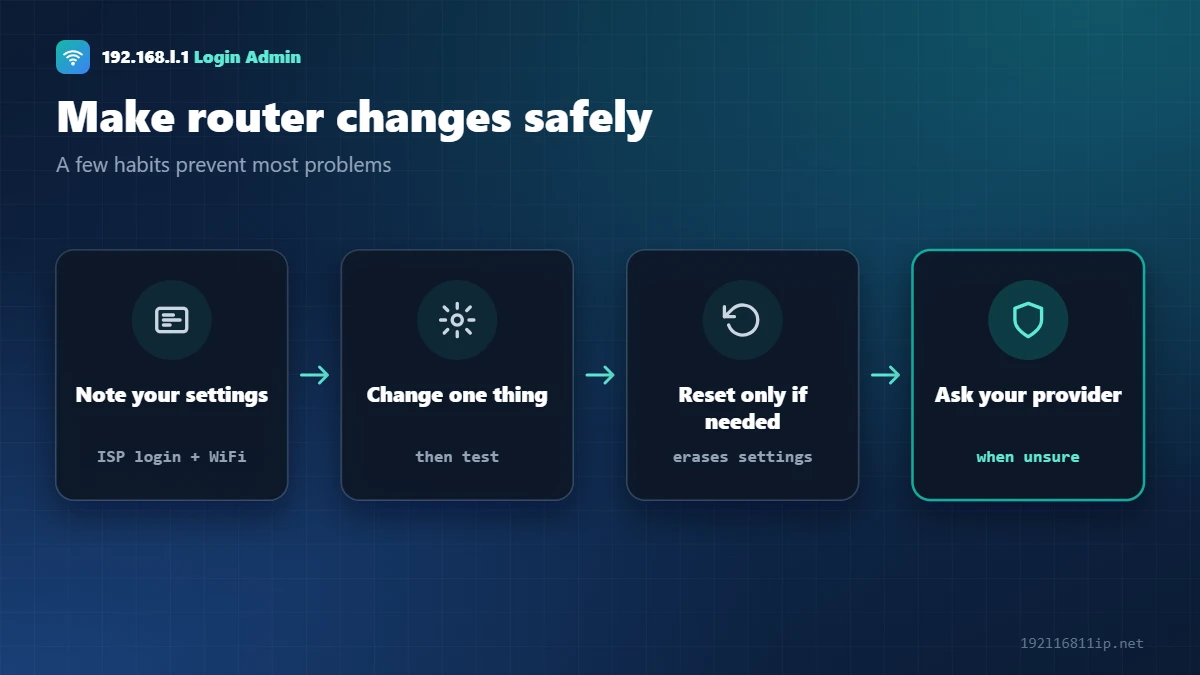
Changing router settings or doing a factory reset can disconnect your internet, erase your WiFi settings or stop devices from connecting. We are not responsible for any loss, damage or downtime that results from following the information on this site.
Only Access Devices You Own
Default passwords and login steps on this site are meant for devices you own or are allowed to manage. Accessing someone else’s router or network without permission may be illegal.
Trademark Disclaimer
All product names, logos and brands mentioned on this site — such as TP-Link, Tenda, Netgear, Airtel, Jio and Xfinity — are the property of their respective owners. We use them only to identify the devices and services our guides refer to. Their use does not mean any endorsement, and this trademark disclaimer applies to every page on the site.
Accuracy Disclaimer
We build our guides from manufacturer manuals, support pages and provider documentation, and we show the date each page was last checked. Even so, router makers and providers change their software often, so we cannot guarantee that every step, password or menu name is current for your exact model. This accuracy disclaimer means the information is provided “as is”, without any warranty.
No Professional Advice
Our content is general information and not professional networking, security or legal advice. For problems with your connection, account or hardware, your internet provider or the router manufacturer is the best source of help. Nothing in this disclaimer limits any rights you have under the laws of your country.
Security Disclaimer
Our security tips, such as using WPA2 or WPA3 encryption and strong passwords, lower the risk of misuse but cannot make any network completely secure. You remain responsible for the settings you choose and for keeping your devices updated.
Advertising and Affiliate Links
If we ever show advertising or use affiliate links, they will not change the steps or recommendations in our guides. Any paid relationship will be clearly labeled on the page where it appears, so you always know when a link may earn us a commission.
Questions About This Page
If anything on this page is unclear, or you believe a guide breaks one of these principles, please reach out through our contact page. We read every message and update the site when a correction is needed.
Changes to This Disclaimer
We may update this disclaimer from time to time, for example when we add new types of content. The date at the top of the page shows when it was last changed. By continuing to use the site, you accept the current version of the disclaimer.
External Links
We may link to other websites for reference. We do not control their content and are not responsible for it.
Corrections
If you find an error, please tell us through the contact page. Read our privacy policy to learn how we handle data.