Who Is Connected to My WiFi? How to See and Block Unknown Devices
See who is connected to your WiFi from your router admin panel, router app or phone, work out which devices are yours by name and MAC address, and block unknown devices for good.
Tip: 192.168.l.1 has a letter "l" in it. Type 192.168.1.1 with numbers only.
Simple steps to secure your router and WiFi: strong passwords, encryption, firmware updates and guest networks.
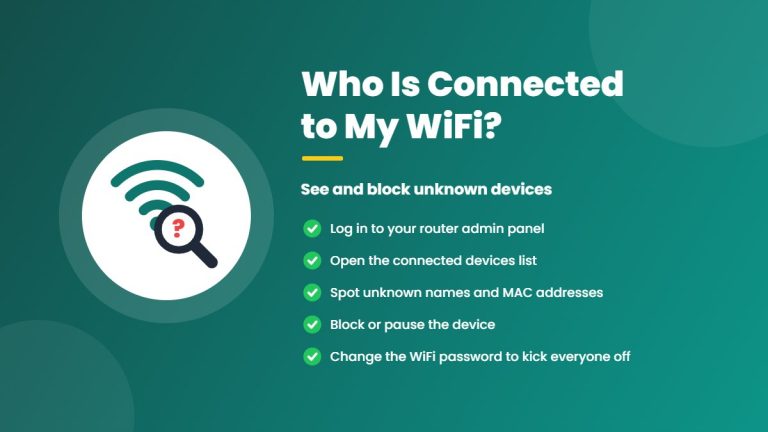
See who is connected to your WiFi from your router admin panel, router app or phone, work out which devices are yours by name and MAC address, and block unknown devices for good.
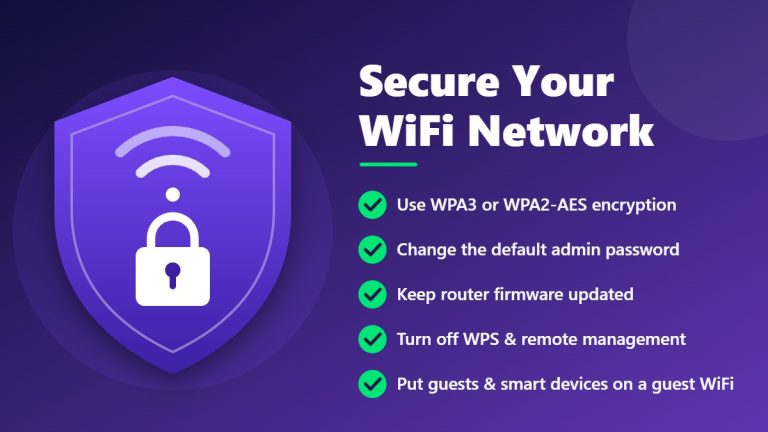
Protect your home WiFi from intruders with 12 essential router security tips: change default passwords, use WPA3 or WPA2-AES, update firmware, disable WPS and remote management, and more.