Contact
Contact Us
Found a mistake in a guide, or need a router we have not covered yet? Contact us by email at [email protected].
Before You Email
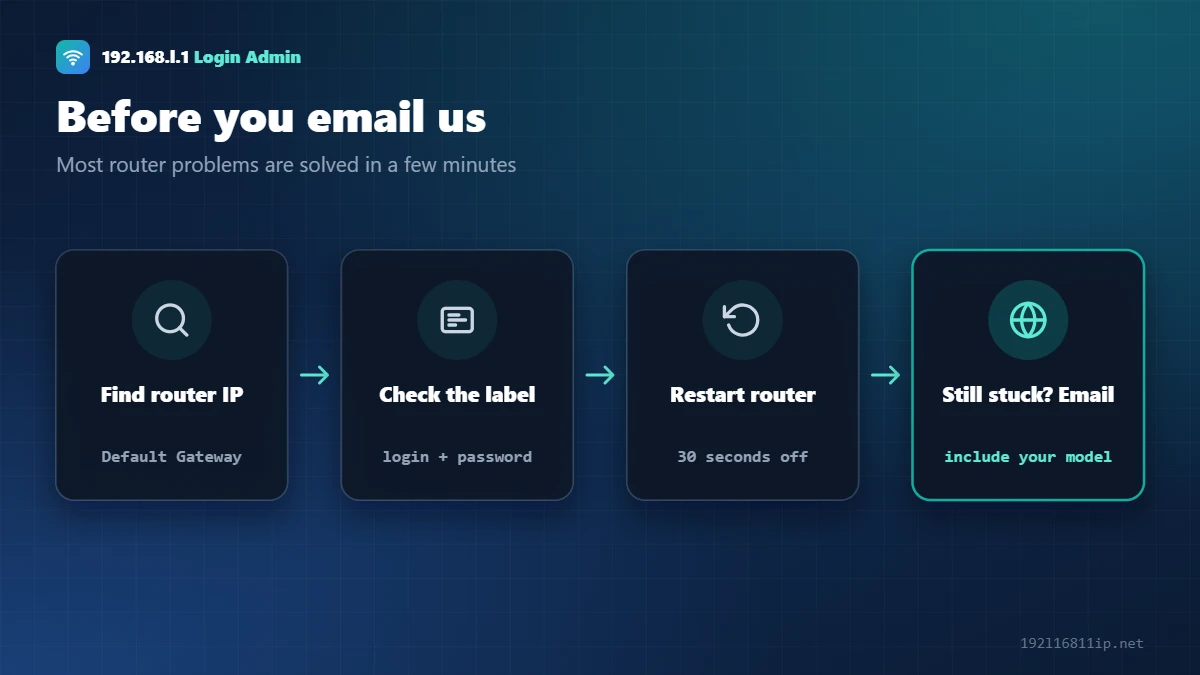
Most problems are solved by the steps in our 192.168.1.1 login guide and the default router password list. If you are still stuck, write to us.
How to Contact Us
Email: [email protected]
We read every message and reply as soon as we can. We cannot log in to your router, recover your passwords remotely or fix problems with your internet provider’s account. Your provider’s support team can help with those.
What to Include
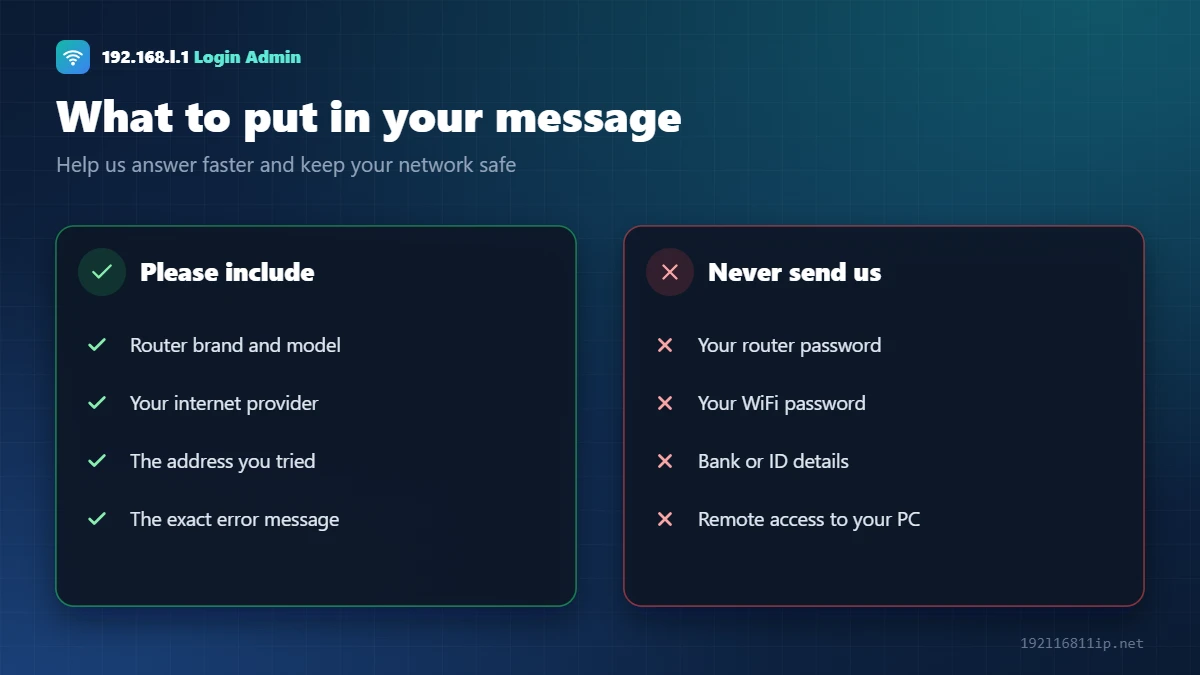
- Your router brand and model, from the label.
- Your internet provider.
- The address you tried, such as 192.168.1.1.
- The exact error message or a short description of what happens.
Never send us your router admin password, WiFi password, bank details or ID documents. We will never ask for them.
Who Should You Contact for Your Problem?
We are happy to hear from you, but some problems can only be solved by your internet provider or the router maker. Choosing the right contact first saves you time:
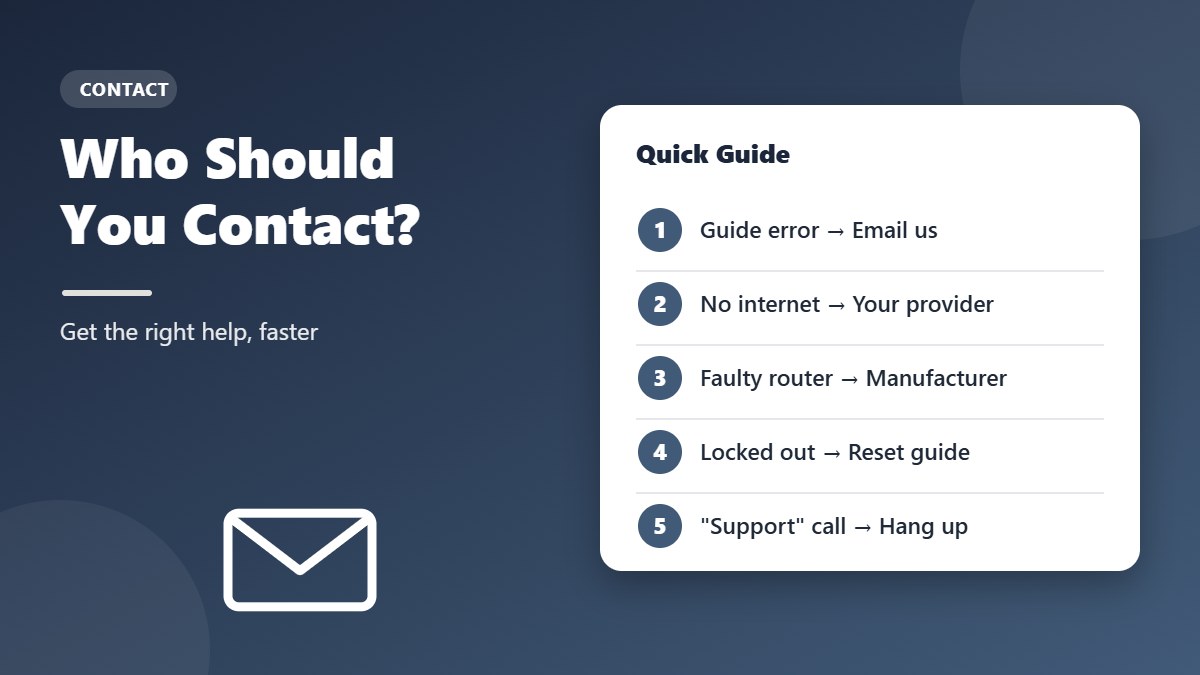
Contact us when…
- A step, menu name or default password in one of our guides is wrong or out of date.
- You would like a guide for a router, modem or provider we have not covered yet.
- Something on the site is broken, such as a link or an image.
Contact your internet provider when…
- The internet or PON light on your router is red or off.
- You reset the router and the internet no longer connects.
- You need your PPPoE username and password, or your provider manages the router settings.
- You want to change your plan, move your connection or replace a provider-owned router.
Contact the router manufacturer when…
- The router keeps restarting, overheating or will not power on.
- You need firmware for your exact model, or warranty support.
Not sure which group fits your problem? Start with the troubleshooting section of the guide for your router address. Most login problems are solved there in a few minutes, and the guide will tell you when it is time to call your provider instead.
Beware of Fake Router Support
Scammers often pose as “router support” or “technical help” and ask for remote access or payment. Real support teams will not call you out of the blue, and we never ask for passwords, payments or remote control of your computer. If you get such a call or pop-up, hang up or close the page. The US Federal Trade Commission has a helpful guide on how to spot and avoid tech support scams.
If you are unsure whether a message really came from us, contact us directly at the email address above before you reply or click any link.
Contact FAQ
Do you offer paid router support?
No. Our guides are free, and we do not sell support plans or charge for answers. Be careful with any website or phone number that asks you to pay for help with a router login.
Can I send screenshots?
Yes — screenshots of an error message or a menu are very helpful. Before you send one, hide any passwords, WiFi keys, account numbers or your public IP address.
How do I report a broken link or image?
Send us the address of the page and a short description of what is broken. That is usually all we need to fix it.
Can I contact you about a router that is not listed?
Of course. Tell us the brand, model and your internet provider, and we will consider it for a future guide.
Corrections
If a menu name or default login on our site is wrong, tell us the model and firmware version. We check the report and update the guide with the new date.